The decision in one minute
For a simple low-volume trigger → action, Zapier Free may be enough. For branching or several modules, Make Free deserves a look. But 1,000 Make credits are not ten times the same capacity as 100 Zapier tasks. First verify the workflow is allowed on the plan, then model its billing units.
This documentation-based comparison is for one small-business workflow, not a ranking of integration-directory size. Pricing and usage rules were checked November 3, 2026. We did not build or time a workflow, and do not claim one tool is easier, faster or more reliable.
On this page
Free-plan feasibility
Why tasks and credits differ
One illustrative billing-unit model
Paid-plan upgrade triggers
Choose A, B or neither
1. Check whether the free plan can do the job
| Decision factor | Zapier Free | Make Free |
|---|---|---|
| Monthly allowance | 100 tasks | 1,000 credits |
| Workflow shape | Two-step Zaps: one trigger and one action | Multi-module scenarios, routers and filters |
| Active-workflow limit | Unlimited Zaps, within plan and usage limits | Two active scenarios |
| Scheduled polling | Pricing comparison lists 15 minutes | Minimum scheduled interval 15 minutes |
| Important constraint | Premium apps and multi-step Zaps require paid plans | File size, runtime, logs and credits still limit the workflow |
Sources: Zapier pricing and Make pricing. “Unlimited workflows” is not unlimited executions; a larger included unit count is not automatically a lower cost. Confirm the exact app trigger and action you need, not merely whether its app name appears in a directory.
2. Tasks and credits count different work
Zapier’s task documentation says Classic Zaps generally consume one task per successful action, while polling checks do not consume tasks and specified built-in steps are task-free. There are exceptions, including MCP, AI and extended code. Replayed successful actions may consume tasks again.
Make’s credit documentation says most non-AI apps use one credit per operation. Trigger runs can consume a credit even when no new data is found; action modules generally consume credits for each input bundle. Branches, bundles, AI and code can change the total. Do not generalise this to “one credit per completed workflow”.
A dated rule, not a permanent promise
Zapier’s documentation distinguishes Classic rules from changes announced for December 1, 2026, including a minimum one-task successful Next Gen run. The example below is a Classic/non-AI planning model. Recheck the execution mode and current rules before using it for a purchase.
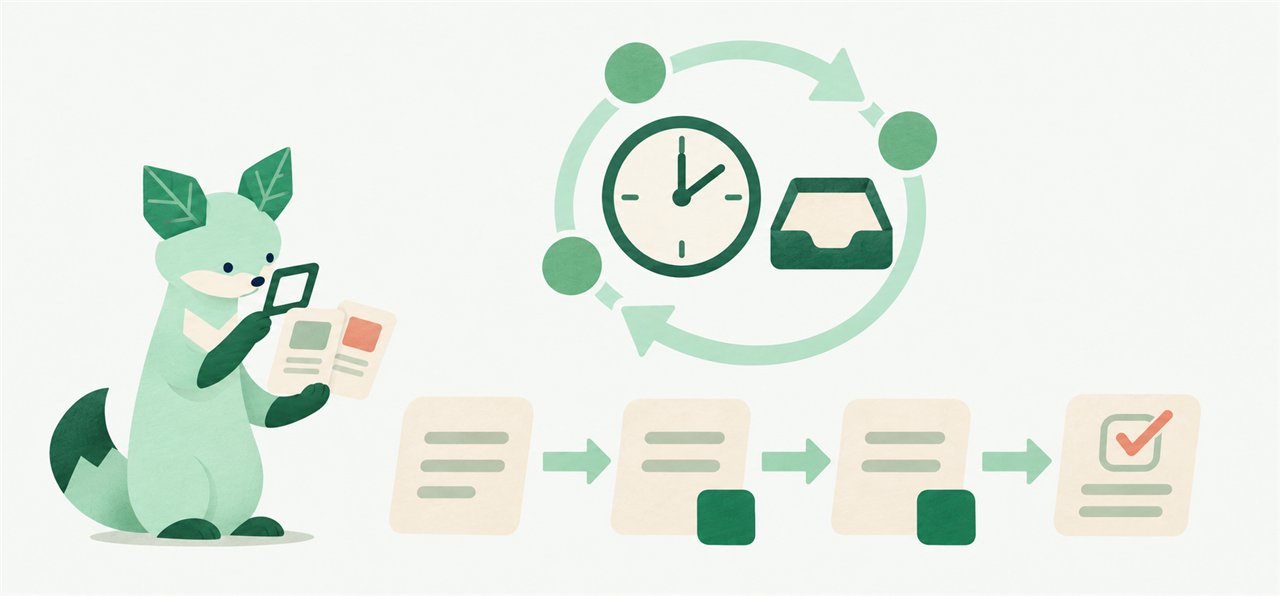
3. Model the same workload before choosing
Illustrative workload: 50 new enquiries in a 30-day month, each requiring two successful billable action steps in one sequential workflow, with the second action depending on the first. In Make, assume one non-AI polling trigger runs hourly for 24 hours a day, each polling run consumes one credit and retrieves available enquiries without additional pagination or catch-up runs, each event yields one bundle, each action is one credit, and there are no retries, extra searches, transformations or AI/code charges. These are modelling assumptions, not observed test results.
| Component | Zapier Classic model | Make non-AI model |
|---|---|---|
| Event actions | 50 × 2 = 100 tasks | 50 × 2 = 100 credits |
| Hourly trigger checks | 0 polling tasks | 24 × 30 = 720 credits |
| Modelled usage | 100 tasks | 820 credits |
| Free-plan feasibility | Both sequential actions in one Zap require multi-step support: not Free | Potentially within 1,000 credits and two scenarios, if all other limits fit |
The key lesson is that the Zapier task total fitting a free allowance does not make a sequential multi-action Zap eligible for the Free plan. If two actions are independent, separate two-step Zaps might work within the shared task allowance, provided the connector permits duplicate triggers. That is a different design and must be verified. This model does not establish equal latency or equivalent trigger behaviour across products. On Make, continuous polling every 15 minutes instead of hourly would model 96 × 30 = 2,880 trigger credits before action work, exceeding 1,000. Not every trigger uses polling; scheduling and trigger type must match the real app.
4. Identify the upgrade trigger, then price it
The inspected entry pricing displayed Zapier Professional from US$19.99 per month equivalent with yearly billing at 750 tasks, versus Make Core from US$9 per month equivalent with annual billing at 10,000 credits. Those are different allowances and billing units, not a like-for-like total-cost result. Confirm currency, billing cycle, current selector, taxes and plan entitlements before checkout; cached search prices may differ from live selectors.
- Zapier: premium connectors, additional actions or other required paid capabilities may determine the minimum tier.
- Make: more than two active scenarios, shorter scheduled intervals or higher file/runtime limits may require Core or another tier.
- Both: shared ownership, permissions, usage overruns and human maintenance can change the relevant plan and cost.
5. Choose for the workflow, not the headline allowance
- Consider Zapier when the exact integrations and task-free checks or built-in steps fit the job. Verify multi-step and premium-app requirements first.
- Consider Make when multi-module routing is useful and the scenario/credit model fits your polling and bundle volume.
- Choose neither yet if you cannot describe the success condition, sensitive data involved, error handling, owner and acceptable monthly usage.
Pilot a safe example using non-sensitive data before committing. Record real usage and failures, not just whether the first run succeeds. Include setup and monitoring in your total-cost worksheet.
Sources and research notes
- Zapier: live pricing and Free/Professional plan comparison
- Zapier: task measurement and dated changes
- Make: pricing and Free/Core limits
- Make: credit measurement
Checked November 3, 2026 (Asia/Seoul). AI-assisted research and drafting, with source and arithmetic checks. Documentation-based analysis, not hands-on product testing. Recheck vendor terms before purchase.